
NOTES
The Great Outlook Swap: Why "New Outlook" is a Downgrade in Disguise
Alternate Title: I guess consent isn't a thing anymore...
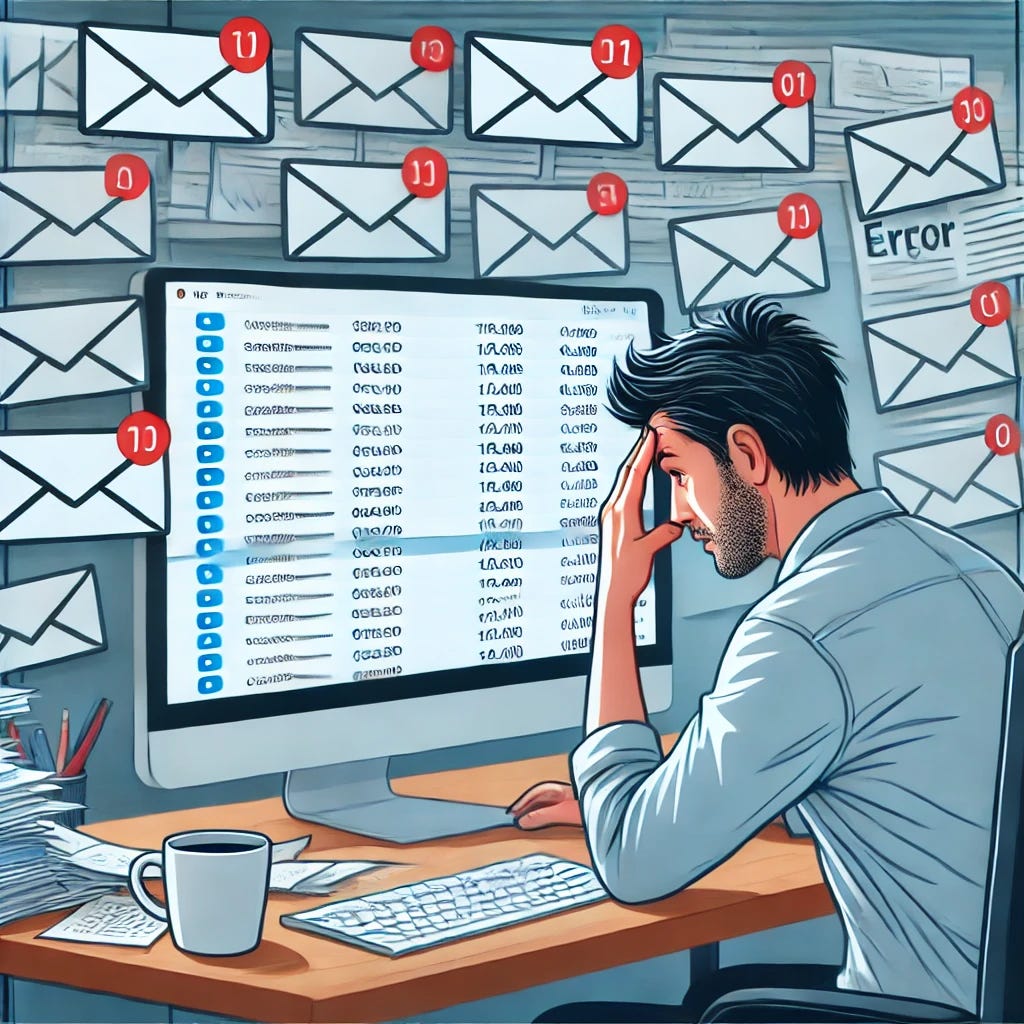
Summary
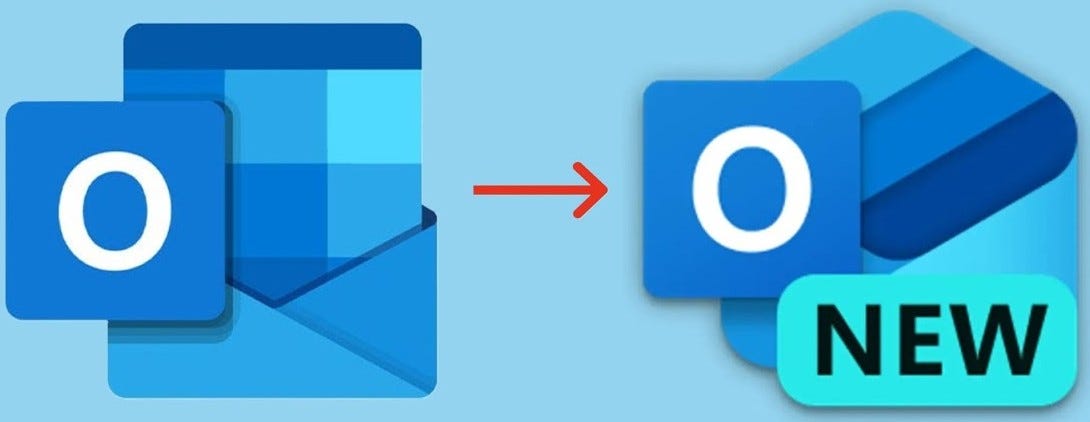
Microsoft has a long history of "fixing" things that aren't broken, and their latest attempt is the forced transition to New Outlook—a modernized, stripped-down version of the email client we’ve relied on for decades. The problem? It's just not as good.
If you're an Outlook Classic user, buckle up—Microsoft is automatically transitioning users to the new version without consent, and it’s missing critical features that businesses and power users depend on.
So, is New Outlook any good? How does it compare to Outlook Web Access (OWA) in your browser? And more importantly, why is Classic Outlook still the best option? Let's break it down.
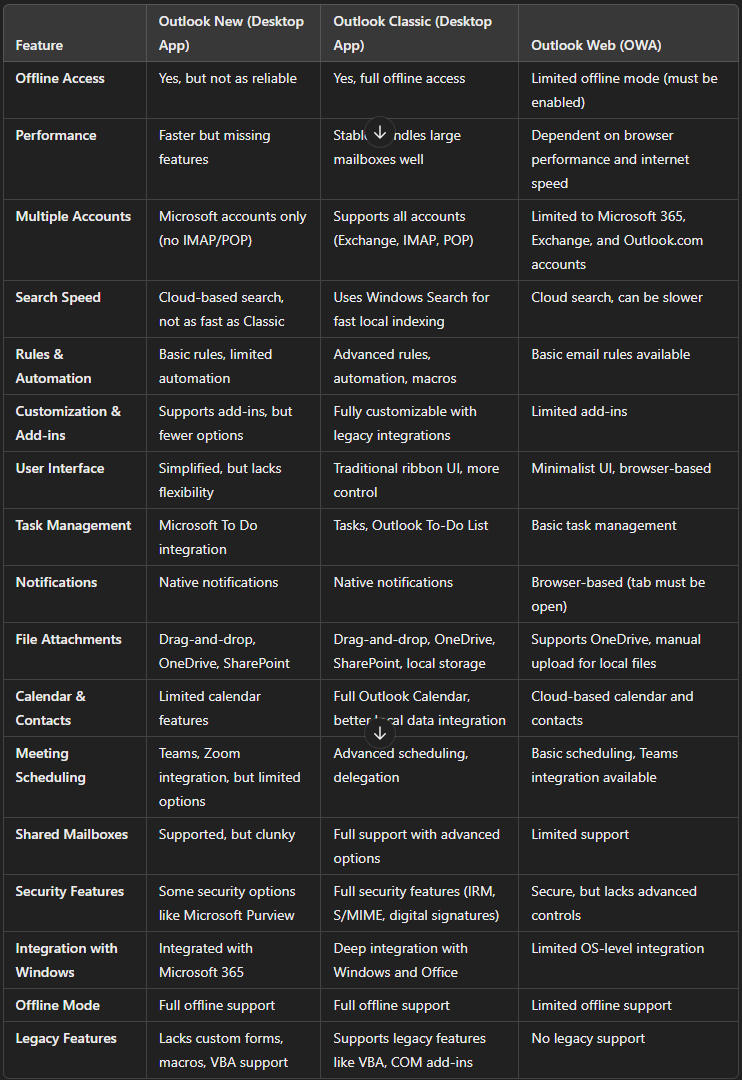
Feature Comparison: Outlook Classic vs. New Outlook vs. Outlook Web
To make sense of this shift, here’s a side-by-side comparison of the three Outlook versions:
Why Outlook Classic is Still the Best
Microsoft is trying to sell New Outlook as a "modern" and "streamlined" experience. But let’s be real—it's a downgrade.
Here’s why Outlook Classic is still the best choice:
- Works with all email providers – Unlike New Outlook, which blocks IMAP and POP, Classic lets you add any email account.
- Advanced email rules – If you rely on custom rules, automations, and scripts, New Outlook will feel like a toy.
- Supports legacy add-ins and macros – Businesses using VBA macros and COM add-ins will find themselves out of luck with New Outlook.
- More customization options – From UI tweaks to advanced settings, Classic Outlook is just more flexible.
- Better offline functionality – If you travel or work in areas with spotty internet, Classic Outlook just works.
New Outlook feels like a stripped-down web app disguised as a desktop client. It’s missing core functionality that has been standard for years.
If You Like New Outlook, Just Use OWA Instead
Let’s be real—New Outlook is basically just OWA in disguise.
- It relies on cloud-based search, just like OWA.
- It lacks full offline capabilities, just like OWA.
- It’s missing support for IMAP/POP accounts, just like OWA.
- It has fewer customization options than Classic Outlook, just like OWA.
The only real difference? New Outlook forces you to install an unnecessary app. If you're happy with New Outlook, you might as well just use Outlook Web (OWA) instead. It’s the same experience, just without the extra bloat of another desktop app.
Microsoft is Forcing the Change—Whether You Like It or Not
The worst part? Microsoft is automatically migrating users to New Outlook without consent.
- In Windows 11, New Outlook is replacing Mail and Calendar by default.
- Users are being "nudged" into switching through prompts in Outlook Classic.
- Some features in Classic Outlook will stop working as Microsoft pushes users away from it.
If you rely on Outlook for business, don’t let Microsoft catch you off guard. Tell your IT admin to prevent the automatic transition. Yes, you can still switch back to Outlook Classic if the change has already happened, but this will not be an option forever. Microsoft has already set a 2025 deadline for ending support for certain Outlook Classic features.
What Should You Do?
- If you're using Outlook Classic, stay put for now. Microsoft will keep nagging you to switch, but resist the urge—New Outlook isn't ready for power users.
- If you're being forced onto New Outlook, push back. If your IT department controls updates, request to keep Classic Outlook as long as possible.
- If you're using Outlook Web (OWA), consider switching to Classic instead. While OWA is fine for light use, it’s no replacement for a full-featured email client.
Final Thoughts: Microsoft is Forcing a Downgrade
Microsoft claims New Outlook is the "future" of email, but right now, it's just a neutered version of Classic Outlook.
They’ve done this before—shutting down Skype for Business in favor of Teams, phasing out Control Panel in favor of the Settings app, and now gutting Outlook in favor of a web-style experience.
If you rely on Outlook for serious work, Classic is still the best. But the writing is on the wall—Microsoft is moving users whether they like it or not.