
NOTES
Google Replaced Search With AI. Here Are Your Options.
Six privacy-respecting search engines that still treat you like the customer, not the product.
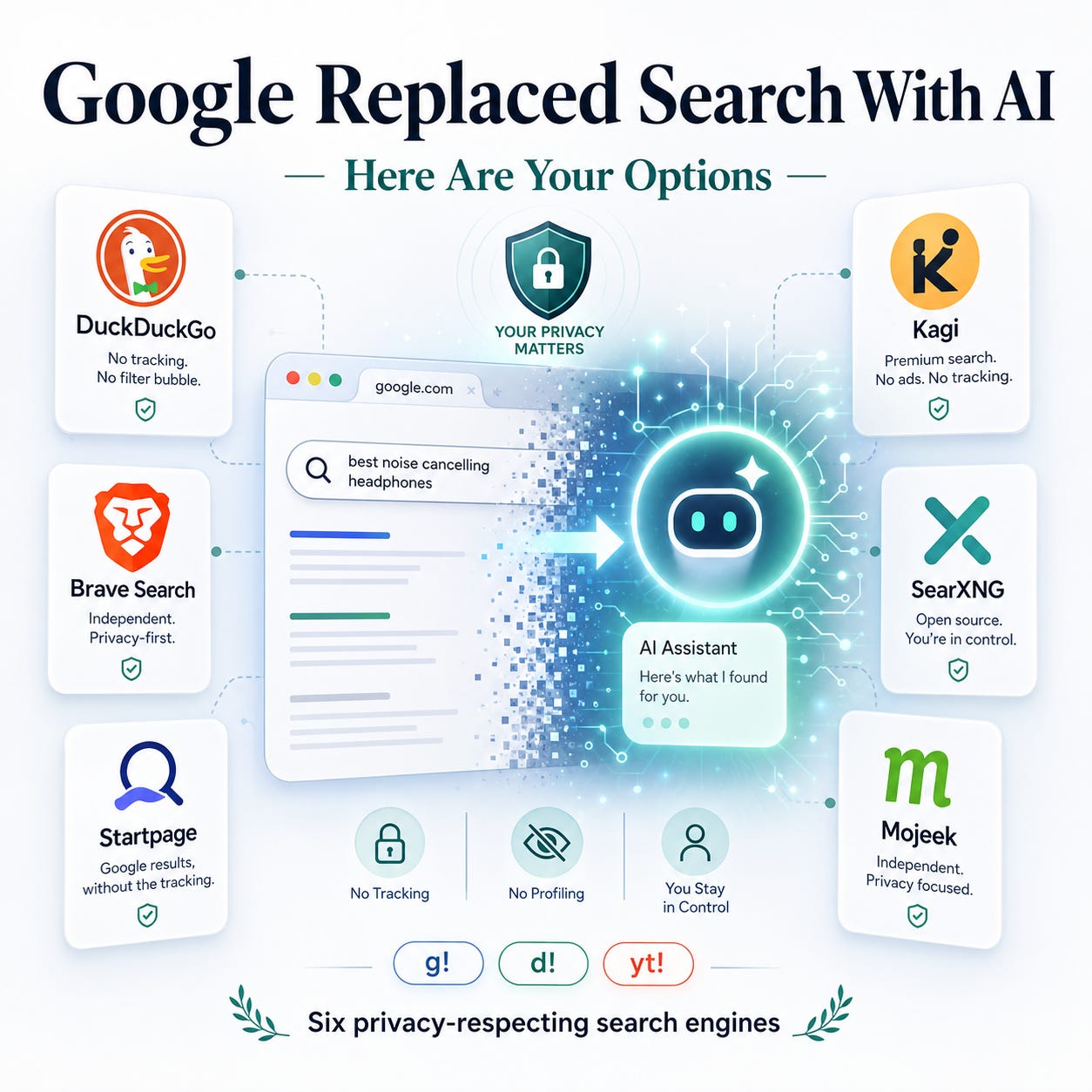
Starting May 26, 2026, traditional search on google.com will be gone. Google's roadmap makes it clear that they envision AI agents doing the searching, buying, booking, and vendor-picking on your behalf.
If that makes you twitch a little, you're not alone. The good news is the alternatives have quietly gotten very good, and switching is far less painful than the internet wants you to believe.
The three easy starting points
1. DuckDuckGo — the default for most people
DuckDuckGo pulls results from Bing but never passes your identity to Microsoft. Ads are contextual only — search “baby diapers,” see baby ads, no profile built. It’s a default option in Safari and basically every browser, so the switch takes about ten seconds.
If you don’t want the AI features, noai.duckduckgo.com strips them out entirely. If you do want AI, DuckAI is right there.
2. Brave Search — the best independent index in 2026
Brave runs its own crawler instead of leaning on Bing or Google. Brave has best-quality results among engines using their own index right now, and that matches my experience. The business model is threefold: B2B index licensing, in-search ads, and an optional subscription to remove the ads. Pick your poison.
3. Startpage — Google results, privacy-respecting wrapper
Startpage proxies Google’s results through a privacy layer. Same familiar quality, none of the tracking. The killer feature is Anonymous View — click it on any result and Startpage loads the site on your behalf, hiding your IP and dodging fingerprinting. Genuinely useful for research.
Those three cover 80–100% of what most people actually need from Google.
Three more if the basics don’t cut it
4. Kagi — the paid option that converts skeptics
Kagi is subscription-only. Zero ads, zero data selling, and a userbase that talks about it the way people used to talk about Gmail in 2005. The pitch is simple: you’re the customer, so the product gets built for you. Some users argue the results beat Google’s outright.
If “I’d just rather pay and stop thinking about this” sounds like you, Kagi is the answer.
5. SearXNG — the power-user pick
SearXNG is the only open-source option on the list. It’s a meta search engine that pulls from Google, Bing, and dozens of others — and you can toggle which engines feed your results in the settings. You can self-host it, or grab a public instance from searx.space and let someone else run the infrastructure.
Probably the most powerful search experience you can actually own.
6. Mojeek — another independent crawler
Mojeek runs its own index, which is admirable, but the index is smaller and the results aren’t as strong as Brave’s. No search-source toggling either. Worth knowing it exists if you want a second independent crawler in rotation, but it’s not where I’d start.
The trick that makes switching painless: bangs
This is the part most “leave Google” posts skip.
You don’t have to pick one engine. Set Brave or DuckDuckGo as your default, and when results disappoint, append a bang:
your query g!→ reruns it on Googleyour query d!→ reruns it on DuckDuckGoyour query yt!→ jumps straight to YouTube
No retyping. No tab switching. Your default does 90% of the work, and bangs handle the edge cases. This single feature is what makes a real migration realistic.
What I’d actually do
If you’re starting from scratch:
- Set Brave Search or DuckDuckGo as your default in every browser.
- Bookmark Startpage for when you specifically want Google-quality results without the Google.
- Learn three bangs:
g!,d!,yt!. - If after a week you’re still missing something, try Kagi for the free tier or SearXNG for the open-source route.
Pick one. Try it for a week. Worst case, g! is right there.